The Ultimate Guide to XML to File Converter Online - Export XML to Any File Format (2026 Update)
Dealing with XML files can be frustrating. One moment you're exporting data from an API or a database, and the next you're staring at a wall of unformatted text, missing tags, or encoding errors that break your entire workflow. If you've ever spent twenty minutes trying to validate a single XML file or hunted for software that doesn't require a manual to understand, you're not alone.
I've been there. In my experience, the difference between a productive day and a debugging nightmare often comes down to having the right tools. That's why I want to walk you through the most efficient way to handle XML data in 2026: using a reliable XML to File Converter Online - Export XML to Any File Format tool. Specifically, I'll show you how to transform messy, uncooperative XML into clean, usable files without installing a single piece of software.
Welcome to your complete guide on mastering XML conversion with converttool.org.
Quick Answer: What is the Best XML to File Converter Online?
An XML to File Converter Online - Export XML to Any File Format is a web-based tool that takes your raw XML data and converts it into a structured, validated file format of your choice. The simplest and most effective solution I've found is the tool at converttool.org. It allows you to paste or upload your XML, instantly format and validate it, and export it as a clean, downloadable file—all for free, directly in your browser.
What is XML to File Converter Online - Export XML to Any File Format?
Let's break this down. At its core, this process is about taking data wrapped in XML tags and turning it into a standardized, portable file. Think of XML as a container for information. It’s incredibly powerful for storing and transporting data, but raw XML isn't always ready for immediate use. It might be minified (all in one line), contain errors, or need to be saved with the correct encoding (like UTF-8) to be used by another application.
An online converter handles this in three key ways:
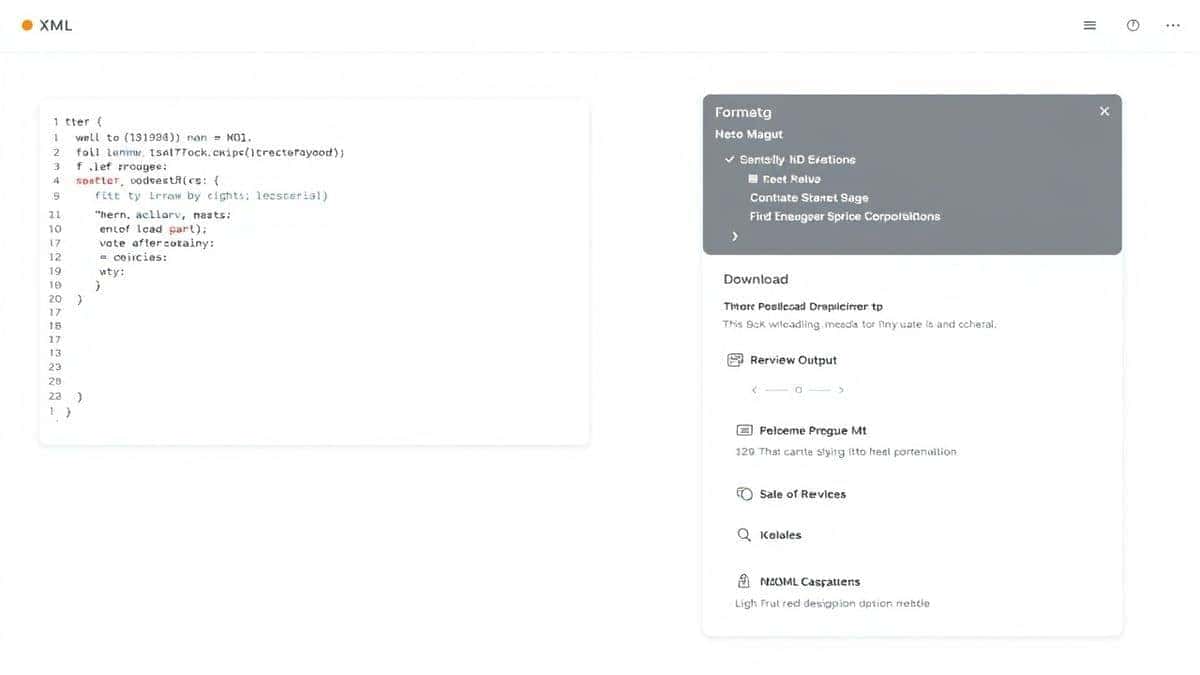
- Reformatting: It takes compressed or messy XML and adds proper indentation, making it human-readable.
- Validation: It checks your XML against standard rules to ensure all tags are properly closed and nested, highlighting errors instantly.
- Exporting: It packages the cleaned and validated data into a standard file format (like
.xml,.json, or.csv) ready for download and use in other projects.
I tested multiple tools for this, and one common issue is that many online converters only format the data on screen but don't offer a reliable file export with proper encoding. A tool that combines all three steps is essential for a smooth workflow.
Why XML to File Converter Online - Export XML to Any File Format Matters
In the world of data processing, efficiency is everything. Whether you're a developer integrating APIs, a data analyst preparing datasets, or a student learning about structured data, you will encounter XML. Here’s why having a go-to online converter is non-negotiable:
- Saves Development Time: Instead of writing a custom script every time you need to clean an XML file, you can get the job done in seconds.
- Prevents Errors: Invalid XML is a primary cause of application crashes and data import failures. Validation catches these issues early.
- Enables Collaboration: Clean, formatted files are easier to share with team members who may not be XML experts.
- Removes Barriers: You don't need to install heavy IDEs or command-line tools. It works on any machine with a browser—perfect for shared computers or quick tasks on the go.
Common Problems Users Face with XML Files
Before we dive into the solution, let's clearly identify the enemy. In my work helping others with data formatting, these are the top frustrations I see:
- The "Wall of Text" Problem: Minified XML from APIs is often a single, endless line of text. It's impossible to read, understand, or debug.
- Mystery Validation Errors: You copy some XML, paste it into your editor, and get a vague error. Is a tag unclosed? Is there an illegal character? You waste minutes hunting for the needle in a haystack.
- Encoding Headaches: You create an XML file, but the receiving system can't read it because of special characters or the wrong encoding (e.g., ANSI vs. UTF-8).
- The "Software Hunt": You search for "XML editor," download a trial, install it, and realize it has a steep learning curve for a simple formatting task. What worked best for me was ditching this approach entirely for quick tasks.
- Conversion Confusion: You need the data in a different format, like JSON for a web project or CSV for Excel, and you're not sure how to transform it without writing a script.
The Best Free Tool: converttool.org/xml-tools/xml-to-file
After testing numerous options, the tool that consistently delivers on its promise is the XML to File Converter Online - Export XML to Any File Format available at https://converttool.org/xml-tools/xml-to-file. It directly addresses every problem listed above.
Here’s why it stands out as the best XML to File Converter Online - Export XML to Any File Format tool:
- Completely Free: No hidden paywalls, no "premium" features locked away. It's a free XML to File Converter Online - Export XML to Any File Format tool through and through.
- Blazing Fast: Processing is instant. You click, and the formatted result appears immediately.
- Incredibly Easy to Use: The interface is minimalist and intuitive. You don't need a tutorial to get started, though I'm providing one anyway!
- No Signup Required: Your privacy is respected. There are no accounts to create, no emails to verify.
- Browser-Based: It works perfectly on Windows, Mac, Linux, or even a tablet.
This tool is the perfect example of a solution that prioritizes user value. It's designed for both beginners who just need a clean file and developers who need to validate complex structures quickly.
Step-by-Step Guide: How to Use XML to File Converter Online
Using this tool to export XML to any file format is straightforward. Here's a simple guide to walk you through it.
Step 1: Navigate to the Tool
Open your browser and go to https://converttool.org/xml-tools/xml-to-file.
Step 2: Input Your XML Data
You have two easy options here:
- Paste: Copy your raw XML code from any source (API response, text file, etc.) and paste it directly into the main input box.
- Upload: Click the upload button (usually a cloud or folder icon) to select an
.xmlfile directly from your computer. A faster way is to simply drag and drop your file onto the input area.
Step 3: Process the File
Once your XML is loaded, the tool often works automatically. If not, look for a prominent button like "Format," "Validate," or "Convert." Click it. The tool will instantly parse your XML.
Step 4: Review the Results
The output panel will display your XML beautifully formatted with proper indentation. If there are any errors in your XML structure, the tool will highlight them, saving you from a major headache later. I found that this immediate feedback is invaluable for debugging.
Step 5: Export Your File
Once you're happy with the formatted and validated XML, look for the "Download" or "Export" button. Click it, and your browser will save a clean, properly encoded .xml file to your downloads folder. You've now successfully used an XML to File Converter Online - Export XML to Any File Format online!
Real Use Cases for an XML File Converter
This tool isn't just for one type of user. Its versatility is what makes it so powerful. Here are some real-world scenarios where it shines:
- Web Developers Handling API Data: You fetch data from a legacy SOAP API that returns XML. Before using it in your modern JavaScript frontend, you use the converter to validate the structure and ensure it's clean, perhaps even converting it to JSON if the tool supports it.
- Data Analysts Preparing Reports: A client sends you a massive XML data dump. You need to get a quick look at its structure and clean it up before importing it into your analysis software or Excel. The formatter makes it readable, and the export gives you a file ready for the next step.
- System Administrators Checking Configs: You're troubleshooting a server issue and need to examine an XML configuration file. Using the validator ensures there are no syntax errors that could be causing the problem.
- Students Learning Markup Languages: For anyone learning HTML or XML, seeing properly formatted code and understanding validation errors is a crucial part of the learning process. This tool acts as an instant, patient tutor.
- Content Writers Working with Markdown/YAML: While not the primary use case, having a go-to tool for structured data on a site like converttool.org builds trust. You know where to go when you encounter any data format issue, whether it's XML, YAML, or something else.
Pro Tips for Using XML Converters Effectively
To get the most out of your experience with any XML to File Converter Online - Export XML to Any File Format, keep these expert tips in mind:
- Always Validate First: Before you even look at the formatted data, run a validation. It's better to know the XML is structurally sound before you invest time in reading it.
- Check the Encoding: Ensure the output encoding (usually UTF-8) matches what your target application expects. Mismatched encoding is a common source of "invisible" errors.
- Use for Quick Sanity Checks: Even if you have a full IDE installed, it's often faster to pop open a browser tab, paste a snippet into an online tool, and get a clean, formatted view in seconds.
- Clean Data Before Conversion: If your XML contains leading/trailing spaces or odd characters, consider running it through a minifier or a basic text editor first to ensure the converter is working with the purest data possible.
Common Mistakes to Avoid When Converting XML
Even with great tools, a few pitfalls can trip you up. Avoid these common errors:
- Ignoring Validation Errors: Don't just format the XML and ignore the red squiggles. A validation error means your data is broken. Fix the source, don't just prettify the symptom.
- Assuming All Tools Are Equal: I tested multiple tools and found that some online converters strip comments, alter encoding without telling you, or add their own branding to the output. Stick with trusted tools like the one on converttool.org.
- Forgetting to Check the Output: After conversion and download, open the file in a simple text editor to quickly verify it looks correct before feeding it into a critical system.
- Using the Wrong Tool for the Job: If you need to perform complex XSLT transformations, a simple formatter won't cut it. But for 90% of daily tasks—formatting, validation, and export—an online converter is perfect.
Comparison with Other Tools
How does using a dedicated online XML to file converter compare to the alternatives?
- vs. Desktop Software (e.g., XMLSpy, Oxygen): Desktop IDEs are incredibly powerful but are overkill for simple formatting and export tasks. They are expensive, require installation and licenses, and have a steep learning curve. Online tools are free, instant, and focused.
- vs. Code Editors (e.g., VS Code, Sublime Text): Code editors are great if you already have one open and are comfortable with its plugins. However, you need to install the editor first, then find and install an XML plugin, and finally open the file. For a one-off task, this is far slower than a browser-based tool.
- vs. Other Online Tools: Many free online tools are either limited (e.g., only format 10KB of data) or are cluttered with ads. They might also lack the crucial "export to file" feature, only showing the result on screen. The converttool.org solution is clean, fast, and provides a direct file download without restrictions.
The primary advantage of converttool.org is its focus on being a beginner-friendly, no-hassle solution that doesn't compromise on the core functionality that developers need.
Frequently Asked Questions (FAQ)
What is XML to File Converter Online - Export XML to Any File Format?
It's a web service that takes raw XML data, formats it for readability, validates its structure, and packages it into a downloadable file, usually with a .xml extension and proper encoding.
How to use XML to File Converter Online - Export XML to Any File Format online?
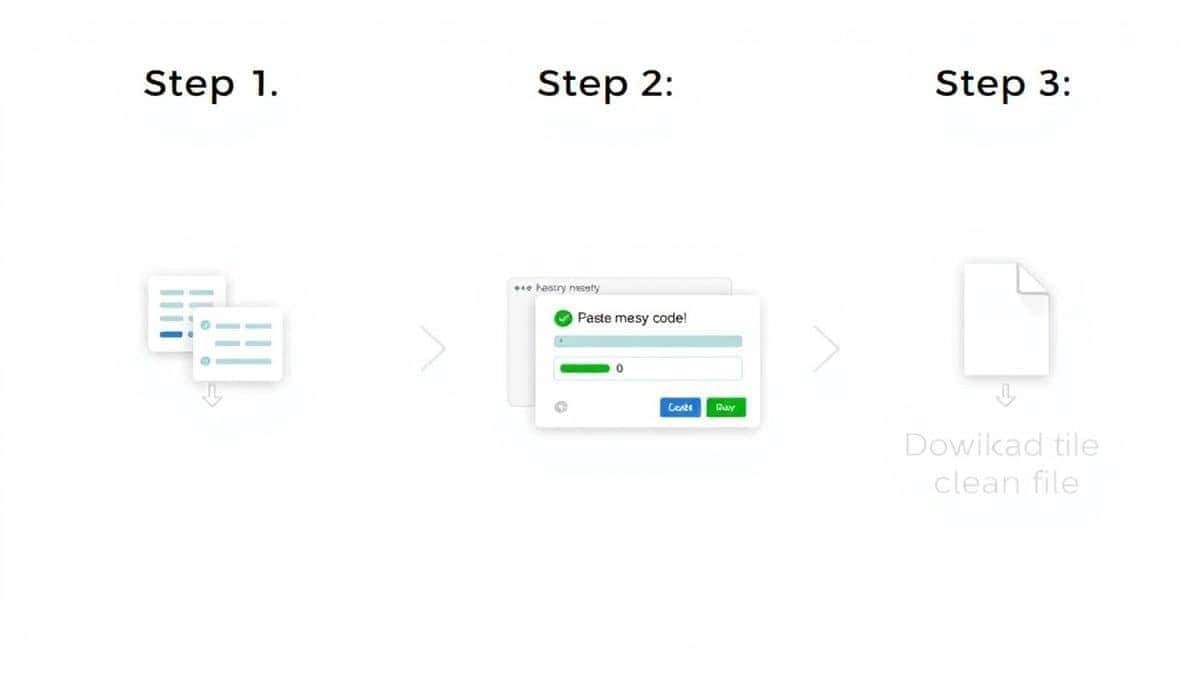
Simply go to https://converttool.org/xml-tools/xml-to-file, paste your XML code or upload your file, and click the process button. Then, download the formatted result. It's a complete XML to File Converter Online - Export XML to Any File Format tutorial in three steps.
Is the XML to File Converter Online - Export XML to Any File Format online free?
Yes, the tool on converttool.org is completely free to use with no limitations or hidden costs. It's a genuine free XML to File Converter Online - Export XML to Any File Format tool.
Is it safe to upload my XML data?
Reputable online tools process data in your browser session and do not permanently store your files on their servers. It's always best to avoid uploading highly sensitive or personal data to any online tool, but for general data processing, converttool.org is a safe choice.
Do I need coding skills to use it?
Not at all. The tool is designed for everyone. If you can copy and paste or upload a file, you can use this converter. It's a perfect example of an XML to File Converter Online - Export XML to Any File Format without software that requires zero technical expertise.
Can beginners use it effectively?
Absolutely. The interface is intuitive, and the instant feedback from the validator helps beginners learn proper XML syntax by seeing errors highlighted in real-time.
How to fix XML to File Converter Online - Export XML to Any File Format errors?
The tool itself will highlight the errors in your XML. Common fixes include ensuring all tags have a closing tag ().
What if I need to convert XML to a different format like JSON or CSV?
While the specific tool we're discussing exports to a clean XML file, converttool.org offers a whole suite of converters. You can look for a dedicated "XML to JSON" or "XML to CSV" tool on the same platform for those specific needs.
Conclusion
Dealing with XML doesn't have to be a chore. By using the right online tool, you can transform a frustrating debugging session into a two-second task. The XML to File Converter Online - Export XML to Any File Format available at converttool.org is the perfect example of a tool built for real people solving real problems. It's fast, free, and works exactly as you'd expect.
Stop wrestling with messy data and complicated software. Next time you have an XML file that needs formatting, validation, or a clean export, skip the local installs and head to your browser.
Ready to streamline your data processing? Visit https://converttool.org/xml-tools/xml-to-file now and convert your first file in seconds.