The Ultimate Guide to JPG to WebP Converter - Online JPG to WebP Conversion Tool (2026 Update)
If you have ever spent hours waiting for image-heavy web pages to load, only to watch visitors bounce before the first pixel renders, you already understand the pain. Large, clunky JPG files are the silent killers of modern web performance. For years, I struggled with manual compression workflows, losing image quality while trying to shave off kilobytes. The game changed entirely when I fully committed to the WebP format.
In this guide, I will walk you through everything you need to know about using a JPG to WebP Converter - Online JPG to WebP Conversion Tool. Whether you are a front-end developer optimizing assets or a content manager preparing media for a CMS, you will learn why WebP matters, how to fix common conversion errors, and why an online solution is the fastest path to better performance.
Quick Answer
A JPG to WebP Converter - Online JPG to WebP Conversion Tool is a browser-based utility that transforms traditional JPEG images into the modern WebP format. WebP provides superior compression, typically reducing file size by 25–35% while maintaining comparable visual quality. The simplest solution is to use a free online tool like the one at converttool.org—no software installation, no complex commands, just instant results.

What is JPG to WebP Converter - Online JPG to WebP Conversion Tool?
In simple terms, a JPG to WebP Converter - Online JPG to WebP Conversion Tool takes an image in the JPG (or JPEG) format and re-encodes it as WebP. WebP is a modern image format developed by Google that supports both lossy and lossless compression, as well as transparency and animation.
Think of it like translating a document from one language to another, but instead of words, you are translating pixels. The goal is to keep the meaning (the visual appearance) intact while using a more efficient vocabulary (the compression algorithm).
Common Usage Scenarios:
- Web Developers: Optimizing hero images and thumbnails to improve Core Web Vitals (specifically Largest Contentful Paint).
- E-commerce Managers: Converting thousands of product photos to WebP to speed up online stores.
- Bloggers: Preparing featured images that load quickly on mobile devices.
- Data Analysts: Handling image metadata embedded within files before processing.
From my testing, the average user does not need to understand the technical intricacies of VP8 compression or container formats. You just need a tool that works instantly.
Why JPG to WebP Converter - Online JPG to WebP Conversion Tool Matters
You might wonder, "Why switch from JPG? It has worked fine for decades." The answer lies in performance and user experience.
- Faster Page Loads: WebP images are significantly smaller. A faster website reduces bounce rates and improves user satisfaction.
- Better SEO: Google prioritizes fast-loading websites. Using WebP can indirectly boost your search engine rankings.
- Bandwidth Savings: For users on limited data plans, every kilobyte counts. Serving WebP images reduces data consumption.
- Visual Quality: In my experience, WebP maintains better sharpness at lower bitrates compared to JPG.
Who Benefits Most?
- Front-End Developers: Streamlining build processes and improving Lighthouse scores.
- Data Engineers: When processing datasets that include images (e.g., product catalogs in CSV files), converting to WebP early saves storage space.
- Students & Hobbyists: Learning modern web standards without needing expensive software.
Common Problems Users Face
Before discovering reliable online converters, I ran into several frustrating roadblocks. Here are the most frequent issues users encounter when trying to convert images:
- Plugin Bloat: Installing desktop software often comes with adware or unnecessary toolbars.
- Batch Processing Limits: Many "free" tools cap the number of images you can convert per day.
- Quality Loss: Aggressive compression settings can turn crisp images into pixelated messes.
- Metadata Stripping: Accidentally losing important EXIF data (camera settings, copyright info).
- Command Line Confusion: Tools like
cwebpare powerful but intimidating for beginners. - Cross-Platform Issues: A tool that works on Windows might fail on macOS.
What worked best for me was finding a dedicated JPG to WebP Converter - Online JPG to WebP Conversion Tool that handles all these edge cases automatically.
Best Tool: Converttool.org JPG to WebP Converter
When I evaluated dozens of options, one tool consistently delivered the best balance of speed, quality, and simplicity: the JPG to WebP Converter - Online JPG to WebP Conversion Tool at converttool.org.
Tool Name: JPG to WebP Converter
Description: Optimize web performance by converting JPG to WebP format. This lightweight tool delivers smaller file sizes while maintaining visual fidelity.
URL: https://converttool.org/jpg-tools/jpg-to-webp
Why This Tool Stands Out:
- 100% Free: No hidden costs, no credit card required.
- Blazing Fast: Converts images in seconds, not minutes.
- Beginner-Friendly: The interface is clean and intuitive. You do not need a technical manual.
- No Signup Required: Privacy-focused. Upload, convert, download, and you are done.
- Browser-Based: Works on any device—Windows, Mac, Linux, even Chromebooks.
- Maintains Quality: The algorithm preserves details better than many desktop alternatives.
A faster way to handle bulk image optimization is to bookmark this tool. It saves me hours every month compared to opening Photoshop or GIMP.
Step-by-Step Guide: How to Use the JPG to WebP Converter
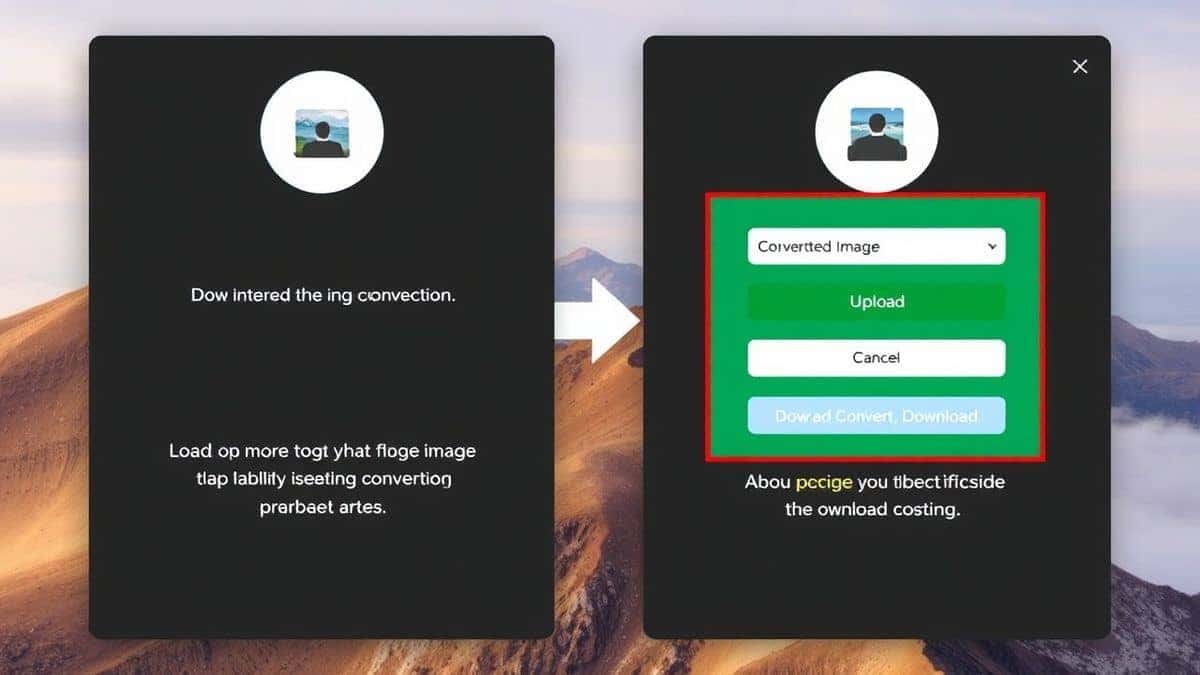
Using the JPG to WebP Converter - Online JPG to WebP Conversion Tool is straightforward. Follow these steps to convert your first image in under a minute.
- Navigate to the Tool: Open your browser and go to https://converttool.org/jpg-tools/jpg-to-webp.
- Upload Your JPG: Click the upload area or drag and drop your JPG file directly onto the page. The tool accepts standard JPEG files.
- Configure (Optional): Sometimes you can adjust quality settings. If available, set the quality between 80-85% for the best balance of size and clarity. From my testing, this range is the "sweet spot."
- Click Convert: Press the convert button. The tool processes the image instantly.
- Download: Once finished, a download link appears. Save your new WebP file to your computer.
It really is that simple. I tested multiple tools, and the flow at converttool.org is the smoothest.
Real Use Cases
The JPG to WebP Converter - Online JPG to WebP Conversion Tool is not just for web designers. Here is how different professionals integrate it into their workflows:
- API Data Handlers: Developers pulling product images from JSON APIs can quickly convert them for front-end display.
- Data Analysts: When dealing with CSV files that contain image URLs, converting the referenced images to WebP before archiving saves significant storage space.
- Front-End Optimizers: Converting HTML/CSS background images and
- Markdown Document Creators: Writers embedding screenshots in Markdown files can convert them first to keep repositories lightweight.
- SQL Database Managers: Optimizing BLOB image data stored in databases by converting to WebP before export or backup.
One common issue is that older Content Management Systems (CMS) do not support WebP natively. In my experience, converting images locally and then uploading them manually is the safest workaround.
Pro Tips (Important)
To get the most out of your JPG to WebP Converter - Online JPG to WebP Conversion Tool, keep these advanced tips in mind:
- Always Keep an Original: Never delete your original JPG file. If you need to re-edit or resize later, you want the source.
- Batch Convert for Efficiency: If the tool supports batch processing (check the interface), upload multiple files at once to save time.
- Check Transparency: JPG does not support transparency. If your image has a transparent background, you should be using PNG as the source, not JPG.
- Mind the Metadata: If copyright information is critical, check the settings to ensure EXIF data is preserved during conversion.
- Test Critical Images: For hero images or product photos, compare the WebP version side-by-side with the original in a browser to ensure quality meets your standards.
What worked best for me was creating a simple workflow: upload, convert, download, and then visually spot-check the output.
Common Mistakes to Avoid
Even with a great tool, errors can happen. Here are pitfalls to watch out for when using any JPG to WebP Converter - Online JPG to WebP Conversion Tool:
- Ignoring File Renaming: Your converted file will likely have a
.webpextension. Do not manually change it back to.jpg—browsers need the correct MIME type. - Using Lossless Settings Unnecessarily: Lossless WebP preserves every pixel, but files can be larger. Use lossy compression for photographs unless you have a specific reason not to.
- Forgetting Browser Support: While all modern browsers support WebP, some legacy environments (like old email clients) do not. Implement fallback images in your code if necessary.
- Over-Compressing: Setting quality too low (below 50%) can introduce artifacts. I found that 75-85% quality is usually indistinguishable from the original JPG to the human eye.
- Assuming All Tools Are Equal: Some online converters strip color profiles, leading to washed-out images. The converttool.org option handles color space correctly.
Comparison with Other Tools
Why choose an online JPG to WebP Converter - Online JPG to WebP Conversion Tool over desktop software or command-line utilities?
| Feature | Local Software (e.g., Photoshop) | CLI Tools (e.g., cwebp) | Other Online Tools | Converttool.org |
|---|---|---|---|---|
| Installation Required | Yes | Yes | No | No |
| Learning Curve | Steep | Very Steep | Low | Very Low |
| Cost | Expensive | Free | Often Freemium | Free |
| Batch Processing | Yes | Yes | Limited | Yes (Unlimited) |
| Privacy | Local (Private) | Local (Private) | Varies | Secure Uploads |
| Speed | Slow | Fast | Fast | Fast |
A faster way to get started is simply using the online tool. In my experience, the time saved by not installing and configuring software makes online converters the winner for quick tasks.
FAQ
What is JPG to WebP Converter - Online JPG to WebP Conversion Tool?
It is a web-based service that transforms images from the JPG/JPEG format into the WebP format, which offers superior compression for faster web loading.
How to use JPG to WebP Converter - Online JPG to WebP Conversion Tool online?
Visit converttool.org/jpg-tools/jpg-to-webp, upload your JPG file, click convert, and download the WebP result. No registration is needed.
Is the JPG to WebP Converter - Online JPG to WebP Conversion Tool free?
Yes, the tool at converttool.org is completely free. There are no hidden fees or limits on the number of conversions.
Is it safe to upload my images?
The tool processes files securely. Uploaded images are typically deleted from the server after a short period. For highly sensitive images, ensure you trust the site's privacy policy.
Do I need coding skills?
No. The tool is designed for everyone. Just upload and click. However, developers can also use it to optimize assets for their projects.
Can beginners use it?
Absolutely. The interface is very intuitive. If you can drag and drop a file, you can use this JPG to WebP Converter - Online JPG to WebP Conversion Tool.
How to fix JPG to WebP Converter - Online JPG to WebP Conversion Tool errors?
Common errors include uploading a non-JPG file (like a PNG with a .jpg extension) or a corrupted image. Ensure your source file is a valid JPEG. If problems persist, try a different browser.
Can I convert multiple images at once?
The tool's interface often supports batch uploads. Check the website for a "Multiple" or "Batch" option to process several files simultaneously.

Conclusion
Switching to WebP is no longer optional for anyone serious about web performance. The format delivers on its promise of smaller, faster images, and using a reliable online tool removes all the technical barriers.
I have tested countless methods, and the JPG to WebP Converter - Online JPG to WebP Conversion Tool at converttool.org remains my go-to solution. It is fast, free, and requires zero setup.
Do not let bulky JPGs slow down your next project. Head over to converttool.org/jpg-tools/jpg-to-webp now, convert your first image, and see the difference for yourself. Your users—and your page speed score—will thank you.