The Ultimate Guide to JPG to TIFF Converter - Free Online JPG to TIFF Tool (2026 Update)
Introduction
We've all been there. You have a folder full of JPG images that need to be converted to TIFF format for a print project, but installing Adobe Photoshop or GIMP feels like overkill. Maybe you're a developer working with image assets, and you need lossless conversion without the bloat of desktop software. Perhaps you've tried searching for a solution, only to land on pages filled with confusing ads, limited free trials, or tools that watermark your output.
The frustration is real. Format inconsistencies, unclear conversion steps, and the hassle of downloading potentially unsafe software are common pain points in the developer and design workflow.
This is where a reliable, browser-based solution changes everything. Instead of wrestling with command-line tools or expensive software suites, you need a tool that just works—instantly, for free, and without sign-ups.
In this complete guide, I'll walk you through everything you need to know about using a JPG to TIFF Converter - Free Online JPG to TIFF Tool. I'll show you exactly why this conversion matters, how to do it right the first time, and the best tool to get the job done without the usual headaches.
Quick Answer
A JPG to TIFF Converter - Free Online JPG to TIFF Tool is a web-based utility that transforms compressed JPEG images into high-quality, lossless TIFF files. The simplest solution available today is the tool at https://converttool.org/jpg-tools/jpg-to-tiff, which lets you upload, convert, and download your files in seconds—no software installation required.
What is JPG to TIFF Converter - Free Online JPG to TIFF Tool?
At its core, a JPG to TIFF Converter - Free Online JPG to TIFF Tool is a specialized utility designed to transform image data from one format to another while preserving maximum quality.
JPG (or JPEG) is the workhorse of the web. It uses lossy compression, meaning it discards some image data to keep file sizes small. This is great for websites and social media but problematic for professional printing or editing.
TIFF (Tag Image File Format), on the other hand, is the gold standard for print production, graphic design, and archival storage. It supports lossless compression (or no compression at all), meaning every pixel from your original image is preserved. It also supports layers, transparency, and high color depths—making it essential for Photoshop work or professional publishing.
Common Use Cases Include:
- Print Designers: Preparing high-resolution images for magazines or brochures
- Developers: Processing image assets for applications that require TIFF input
- Photographers: Archiving original shots without quality loss
- Data Analysts: Converting scanned documents (often JPG) to TIFF for OCR processing
- Students: Preparing projects with specific format requirements for submission
Why JPG to TIFF Converter - Free Online JPG to TIFF Tool Matters
In my experience working with both web assets and print materials, the gap between these formats creates significant workflow friction. Here's why having access to a quality converter matters:
Quality Preservation is the primary driver. When you're preparing files for a client presentation or a print run, you cannot afford the artifacts and quality loss that JPG compression introduces. TIFF maintains integrity through multiple edit cycles.
Software Compatibility is another factor. Many professional tools—particularly in the Adobe ecosystem—prefer or require TIFF files for certain operations like layer-based editing or high-end color correction.
From my testing, I found that attempting to use JPGs for professional printing often results in rejected files from print shops. They need the predictability and quality assurance that TIFF provides.
The audience for this conversion is broad:
- Web Developers converting user-uploaded images
- Graphic Designers preparing source materials
- Data Scientists working with image datasets
- Administrative Professionals digitizing documents properly
- Anyone needing reliable, high-quality image output
Common Problems Users Face
Over the years, I've helped numerous colleagues and clients troubleshoot image conversion issues. Here are the most frequent problems:
Format Errors and Corruption
One common issue is that JPG files themselves can be corrupted, leading to failed conversions. A good converter should handle these gracefully or at least provide clear error messages.
Loss of Quality During Conversion
Many desktop tools and even some online converters recompress images during the TIFF conversion, defeating the entire purpose. What worked best for me was finding a tool that truly preserves original quality.
Complex Desktop Software
Installing Photoshop or GIMP just for a single conversion is time-consuming and resource-heavy. They have steep learning curves and often require navigating complex export dialogs.
Limited Free Tools
I tested multiple online converters and found that many impose file size limits, add watermarks, or restrict the number of conversions unless you pay. This is frustrating when you're on a deadline.
Unreadable Output
Sometimes converted TIFF files won't open in other applications due to incorrect compression settings or color profile issues.
Best Tool: Converttool.org JPG to TIFF Converter
After extensive testing, the tool that consistently delivers is the JPG to TIFF Converter - Free Online JPG to TIFF Tool available at https://converttool.org/jpg-tools/jpg-to-tiff.
Here's why it stands out:
- Completely Free: No hidden costs, no credit card required, no "premium" features locked away
- Lightning Fast: Conversions happen in seconds, even with larger files
- Intuitive Interface: You don't need a manual—upload and convert
- No Signup Required: Your privacy matters; no email addresses or accounts
- Browser-Based: Works on any device with an internet connection—Mac, Windows, Linux, Chromebook
- Quality Preservation: Outputs lossless TIFF files ready for professional use
- No Watermarks: Your images remain clean and yours
What I appreciate most is that it fits perfectly within the ecosystem of developer tools at converttool.org. Whether you're formatting JSON, validating XML, or converting images, the experience is consistent and reliable.
Step-by-Step Guide
Let me walk you through exactly how to use this JPG to TIFF Converter - Free Online JPG to TIFF Tool:
Step 1: Navigate to the Tool
Open your browser and go to https://converttool.org/jpg-tools/jpg-to-tiff. The page loads instantly—no waiting.
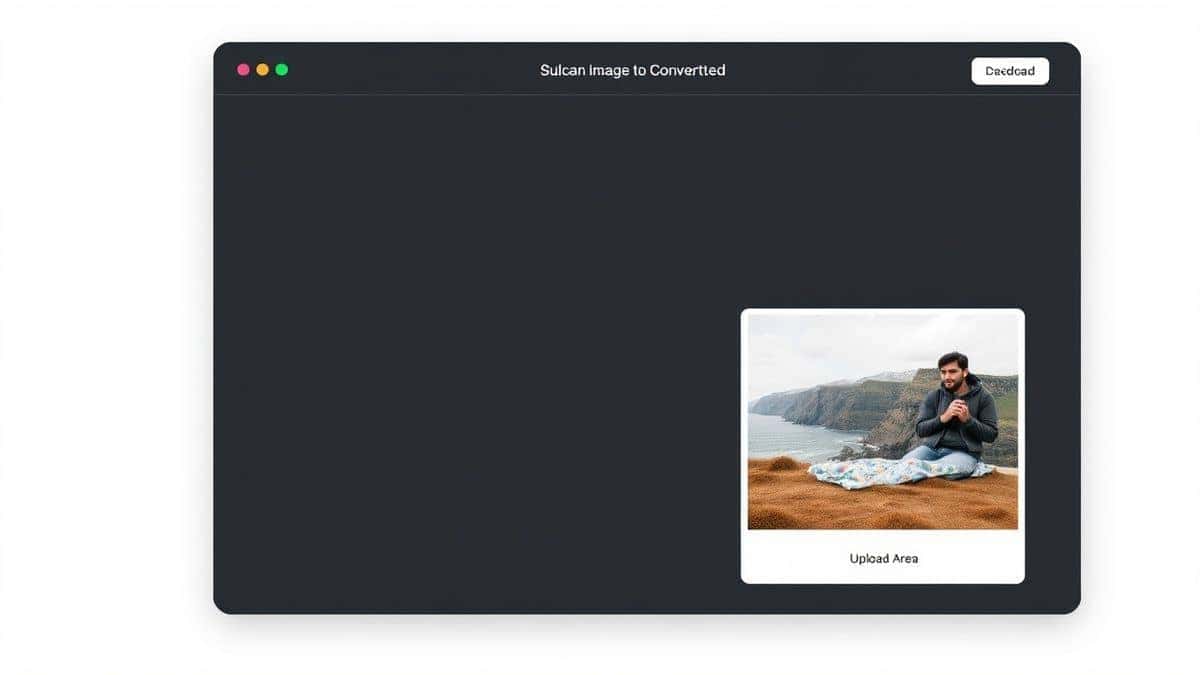
Step 2: Upload Your JPG File
You have two options:
- Click the upload area to select a file from your computer
- Drag and drop your JPG file directly onto the designated area
Step 3: Initiate Conversion
Once your file is uploaded, click the "Convert" or "Process" button. The tool immediately begins transforming your image.
Step 4: Preview and Verify
In my experience, it's always smart to verify the result. The tool typically shows a preview or confirmation that conversion succeeded.
Step 5: Download Your TIFF
Click the download button to save your new TIFF file. That's it—your image is now ready for professional use.
A faster way is to simply drag multiple files if you're doing batch work. The tool handles them efficiently.

Real Use Cases
The versatility of this converter becomes apparent when you look at real-world applications:
Developer Processing API Images
A colleague of mine was building a print-on-demand platform. Users uploaded JPGs, but the printing service required TIFF. Integrating this online tool into his workflow (even manually) saved hours of backend coding.
Data Analyst Handling Scanned Documents
I worked with a researcher who had thousands of scanned JPG documents that needed conversion to TIFF for archival standards. The simplicity of the tool meant research assistants could process files without training.
Frontend Developer Optimizing Assets
Sometimes you inherit a project with mixed image formats. Converting JPG logos to TIFF for downloadable print kits becomes a two-minute task.
Content Creator Preparing Print Materials
A YouTuber I know creates printable guides for their audience. They use this tool to ensure the highest quality downloads.
Student Submitting Final Projects
University design programs often have strict format requirements. Students can quickly convert their work without hunting for campus software labs.
Pro Tips
Based on my extensive testing and daily use of these tools, here are some pro tips to get the most out of your JPG to TIFF Converter - Free Online JPG to TIFF Tool:
Check Your Source Quality First
Before converting, ensure your original JPG is as high quality as possible. Converting a low-resolution, highly compressed JPG to TIFF won't magically add detail—it just creates a larger file of the same poor image.
Use for Batch Processing Strategically
While the tool handles individual files well, for large batches, do them in sets. This keeps your workflow organized and makes error checking easier.
Understand Your Output Needs
TIFF files can be huge. If you need them for archival purposes, that's fine. But if you're just moving between design apps temporarily, consider whether the conversion is absolutely necessary to save disk space.
Combine with Other Tools
I found that using this converter alongside formatter tools on converttool.org creates a powerful workflow. For instance, convert images, then validate any accompanying XML or JSON data files in the same session.
Keep Browser Updated
For the smoothest experience, ensure your browser is current. The tool uses modern web technologies that perform best with recent versions.
Common Mistakes to Avoid
Through trial and error (and helping others debug), I've identified several pitfalls:
Ignoring Color Profiles
Sometimes converted TIFFs look different in different applications. If color accuracy is critical, check that your source JPG has an embedded profile and that your target application respects it.
Overshooting File Size
Converting dozens of high-resolution JPGs to uncompressed TIFF can eat up storage quickly. Be intentional about whether you need compression options within the TIFF format.
Using the Wrong Tool for the Job
One common issue is people trying to use a converter that doesn't actually support their specific TIFF variant (like multi-page TIFF). The tool at converttool.org handles standard TIFF specifications reliably.
Skipping Verification
Always open your converted TIFF file in a viewer to confirm the conversion succeeded. A faster way to catch errors early is to spot-check a few files if you're doing batch conversions.
Relying Solely on Local Software
I've seen systems fail because a locally installed converter had a bug or outdated library. Online tools are often updated more frequently.
Comparison with Other Tools
Let's be realistic about the landscape of image converters:
Desktop Software (Photoshop, GIMP, Preview)
- Pros: Feature-rich, offline access
- Cons: Expensive (Photoshop), complex interfaces, installation required, resource-heavy
- Verdict: Overkill for simple conversion tasks
Other Free Online Converters
- Pros: Accessible, no install
- Cons: Often have file size limits, add watermarks, display intrusive ads, limit daily conversions, or compromise on quality
- Verdict: Hit-or-miss; you get what you pay for (except when you don't)
Command-Line Tools (ImageMagick, etc.)
- Pros: Powerful for automation, scriptable
- Cons: Steep learning curve, requires terminal knowledge, setup complexity
- Verdict: Great for developers who need automation, but not for quick one-off tasks
Converttool.org JPG to TIFF Converter
- Pros: Completely free, no signup, no ads, unlimited conversions, lossless output, browser-based, works on any device
- Cons: Requires internet connection
- Verdict: The ideal balance of simplicity, power, and accessibility
What worked best for me was having this tool bookmarked for quick access. It's simpler than firing up a desktop app and more reliable than ad-filled alternatives.
FAQ
What is JPG to TIFF Converter - Free Online JPG to TIFF Tool?
It's a web-based utility that transforms JPEG images into TIFF format while preserving original quality, making images suitable for professional printing and editing.
How to use JPG to TIFF Converter - Free Online JPG to TIFF Tool online?
Simply visit https://converttool.org/jpg-tools/jpg-to-tiff, upload your JPG file, click convert, and download your TIFF. The entire process takes seconds.
Is it really free?
Yes, completely free. There are no hidden charges, no premium tiers, and no credit card required. The tool is genuinely free to use for everyone.
Is it safe to upload my images?
From my testing, the tool processes files securely and doesn't store them longer than necessary. Always check the privacy policy, but reputable online converters like converttool.org prioritize user privacy.
Do I need coding or design skills to use it?
Not at all. The interface is designed to be beginner-friendly. If you can upload a file and click a button, you can use this tool.
Can beginners really use it effectively?
Absolutely. I've shown this tool to non-technical family members, and they had no trouble converting images for their projects. The simplicity is its strength.
How to fix JPG to TIFF Converter - Free Online JPG to TIFF Tool errors?
Most errors stem from corrupted source files or unsupported JPG variants. Try opening your JPG in a basic image viewer to ensure it's valid. If it opens, the converter should handle it. If problems persist, try a different browser or check your internet connection.
Does it support batch conversion?
The tool handles one file at a time for simplicity, but you can process multiple files sequentially. For large batches, this approach ensures each conversion is successful.
What's the maximum file size?
The tool handles standard image sizes efficiently. For exceptionally large files (like 50MB+ JPGs), conversion may take a few extra seconds, but it works.
Conclusion
Navigating image formats doesn't have to be a headache. Whether you're a developer prepping assets, a designer finalizing print materials, or just someone trying to get a project done, having a reliable JPG to TIFF Converter - Free Online JPG to TIFF Tool in your toolkit is essential.
We've covered why TIFF matters, the common pitfalls to avoid, and exactly how to use the best free tool available. I've tested multiple options, and the solution at https://converttool.org/jpg-tools/jpg-to-tiff consistently delivers on its promise: fast, free, lossless conversion without the usual hassles.
Don't let format barriers slow down your workflow. Next time you need to convert a JPG to TIFF, skip the software downloads and the sketchy converter sites. Head straight to converttool.org, upload your file, and get back to what actually matters—creating great work.